
The PR Portal Explained: What It Is and How to Use It
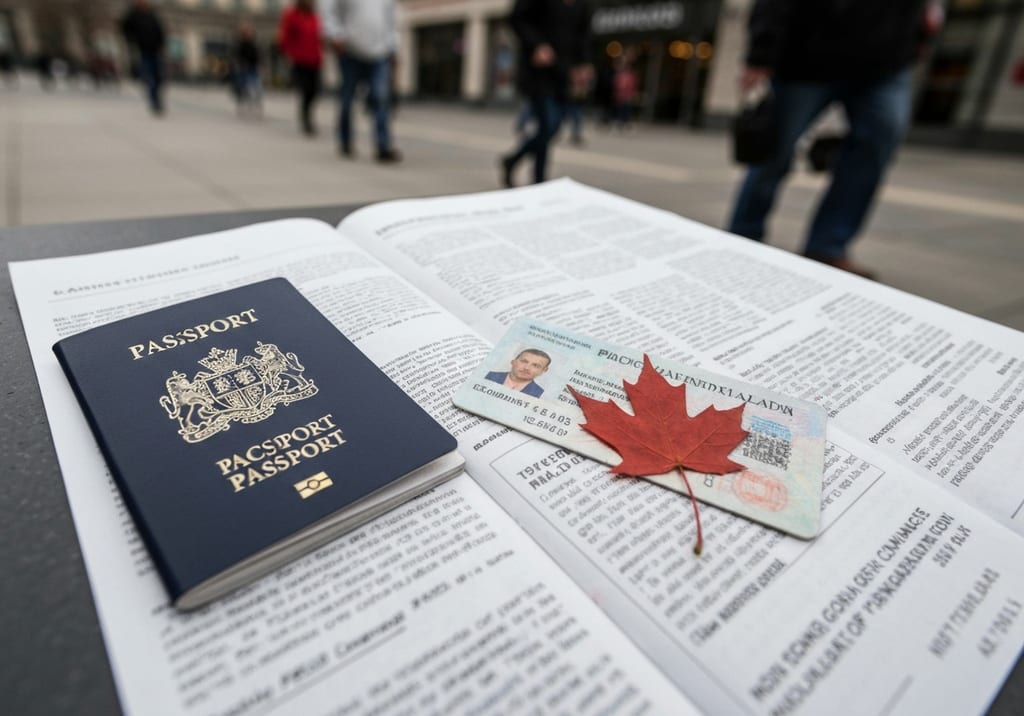
The "PR Portal" is the online account most people use to manage a Canadian permanent residence application from start to finish. If you've searched for it, you're usually in one of three situations: you're about to apply, you've applied and want to check what's happening, or someone told you to "log in to the portal" and you're not sure which one they mean. This guide walks through what the portal actually is, who uses it, and how to move through it without second-guessing every click.
What the PR portal actually is
Canada doesn't have a single login called "the PR portal." The phrase usually refers to one of a few official online systems run by Immigration, Refugees and Citizenship Canada (IRCC), depending on how you're immigrating.
If you're applying through Express Entry (the system covering Federal Skilled Worker, Canadian Experience Class, and Federal Skilled Trades), you'll create an Express Entry profile and, if invited, complete your application in your online account. Many other permanent residence streams now use the newer Permanent Residence Application Portal, where you fill out forms, upload documents, and submit everything digitally instead of mailing paper.
The key thing to understand: the portal is where you submit and track. It is not where eligibility is decided. Whether you qualify depends on the program rules. The portal is simply the digital front door for handing your application to IRCC and watching it move.
Who uses it and what you'll need
Almost every economic and family-sponsorship applicant for permanent residence will touch one of these portals. That includes Express Entry candidates, provincial nominees, spouses and partners being sponsored, and people invited to apply after meeting program criteria.
Before you log in, it helps to have a few things ready:
- A valid passport and travel-document details
- Personal history (addresses, jobs, education) going back several years
- Proof of funds, where the program requires it — note that the required amount depends on your family size, and the exact figure changes, so confirm the current number on the official IRCC website
- Language test results, education assessments, or a job offer if your stream needs them
- A way to pay the government processing fees online — a fee applies, and the amount is set by IRCC and updated periodically, so check the current cost before you start
You don't need everything on day one to create an account, but you can't submit until your forms are complete and your documents are uploaded.
How to use the portal, step by step
The exact screens differ slightly between systems, but the flow is consistent:
- Create or sign in to your account on the official IRCC website. You can usually register with a username and password or sign in through a partner like online banking. Keep your login details somewhere safe — losing access mid-application is a common headache.
- Start the right application. Choose the program you've been invited to or are eligible for. If you received an invitation to apply, the portal often pre-fills some of your information.
- Fill in the forms. Answer carefully and consistently. Small mismatches between your forms and your documents can slow things down or trigger requests for more information.
- Upload your documents. Each slot asks for a specific file. Use clear scans, name them sensibly, and don't leave required fields blank.
- Pay the fees and submit. Once you pay and click submit, your application enters the queue. You'll typically get a confirmation you can save.
After submitting, the same account becomes your tracking tool. You'll see status updates and, importantly, any requests from IRCC — for biometrics, medical exams, or additional documents. Check it regularly, because the clock on those requests can be short.
Common mix-ups and what they mean
A lot of confusion comes from people using "PR portal" to mean different things. A few clarifications:
- The portal where you apply is separate from the tools you use after you become a permanent resident, such as ordering or renewing a PR card.
- Processing times shown anywhere are estimates, not promises, and they shift constantly. Treat the current figure on the official IRCC site as a guide, not a guarantee.
- A status of "in progress" for a long stretch is normal and rarely means something is wrong.
If a representative is helping you, they may have their own authorized account, but the underlying application is still yours.
A few things worth remembering
Permanent residence comes with obligations once it's granted. A PR card is generally valid for five years, and to keep your status you must meet the residency obligation of being physically present in Canada for at least 730 days within every five-year period. Down the road, if you choose to apply for citizenship, you'll generally need 1,095 days of physical presence in Canada within the five years before you apply.
None of that is handled in the application portal itself, but knowing it helps you understand where the portal fits: it's the entry point to status, not the whole journey. When in doubt about any number, fee, or timeline, the official IRCC website is the source that's actually current — bookmark it and check before you rely on a figure you read anywhere else.